lastfm_monitor



Powerful real-time tracker for Last.fm that brings your music data to life with automated Spotify playback, instant activity alerts and deep scrobble analytics.
🚀 Quick Install & Run
New to Python or unsure what is installed? Follow the Python install walkthrough first.
Install from PyPI:
Run the setup wizard:
The wizard asks for the target, the Last.fm API credentials and optional notifications. Review the settings before saving them. See Setup & First Run for how to get the Last.fm API key and shared secret and the required privacy settings.
For the manual single-file method, dependencies and upgrade commands, see Installation.
Features
🔍 Listening and Profile Tracking
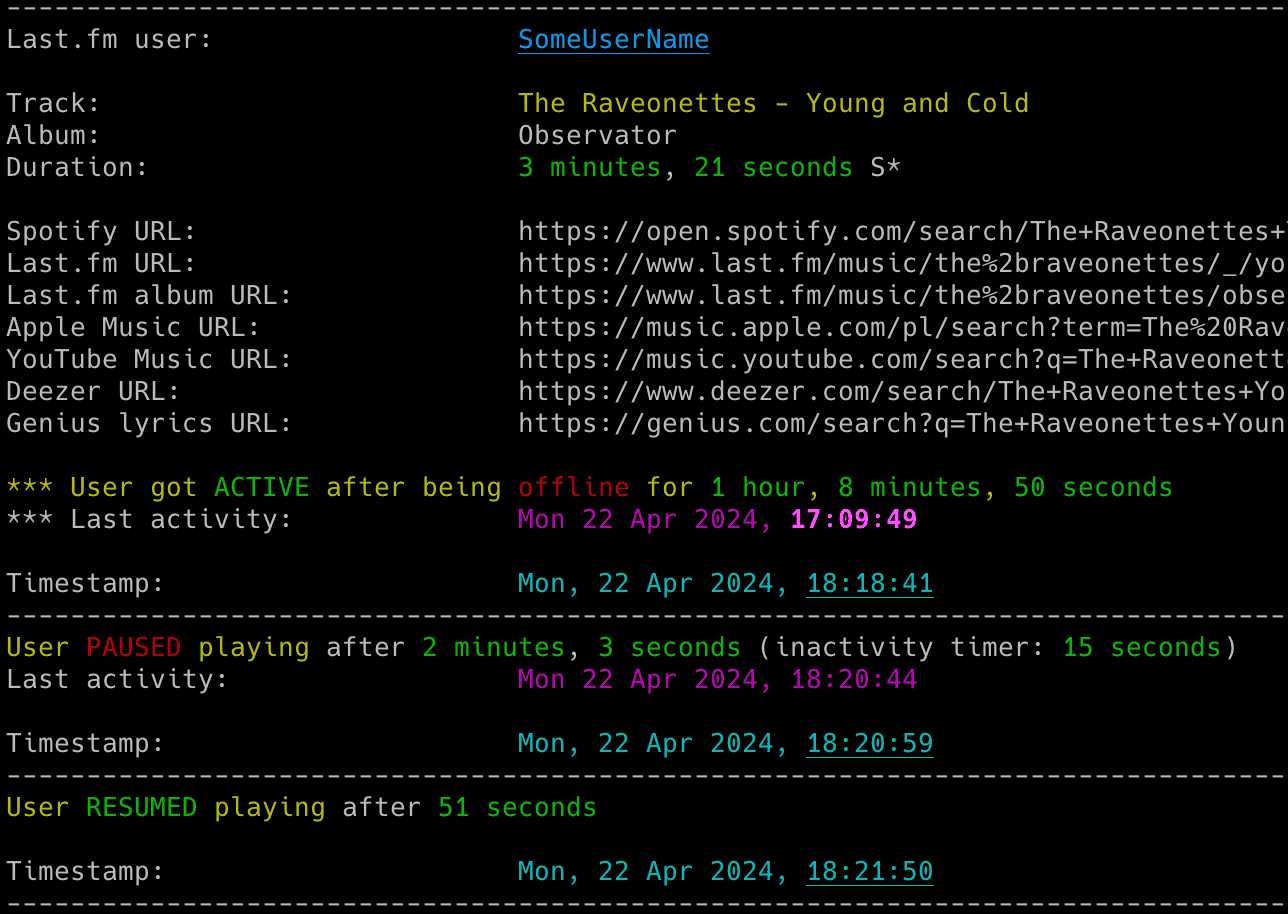
- Listening activity: Track songs, active and inactive periods, pauses and resumes.
- Playback detail: Show listening duration, skipped tracks and an optional progress indicator.
- Profile changes: Track followers, followed accounts, About Me bio and display name.
- Activity gaps: Detect offline listening and estimate Spotify private mode, which is not always accurate.
📊 Playback and Insights
- Spotify playback: Follow the tracked user's songs, pauses and resumes in your local Spotify client.
- Session statistics: Summarize listening time, tracks, skips, repeats and pauses.
- Last.fm Wrapped: Generate top artist, track and album statistics from CSV history.
- Music and lyrics links: Open configurable searches from console output and email.
🔔 Notifications and History
- Event alerts: Configure email, Discord and ntfy notifications for listening and profile changes.
- CSV history: Save listened tracks with timestamps.
- Saved state: Retain activity, friend lists and tracked profile fields across restarts.
⚙️ Setup and Configuration
- Guided setup: Configure the monitor with
--setupand check readiness with--doctor. - Flexible settings: Use config files, dotenv files, environment variables and command-line options.
- Runtime controls: Adjust the running monitor through supported signals.