steam_monitor



Real-time tracker for Steam players' activity, with detailed profile insights and instant alerts.
🚀 Quick Install & Run
New to Python or unsure what is installed? Follow the Python install walkthrough first.
Install from PyPI:
Run the setup wizard:
The wizard asks for the target, the Steam Web API key and optional notifications. Review the settings before saving them. See Setup & First Run for how to get the Steam Web API key and the required privacy settings.
For the manual single-file method, optional dependencies and upgrade commands, see Installation.
Features
🔍 Activity and Profile Tracking
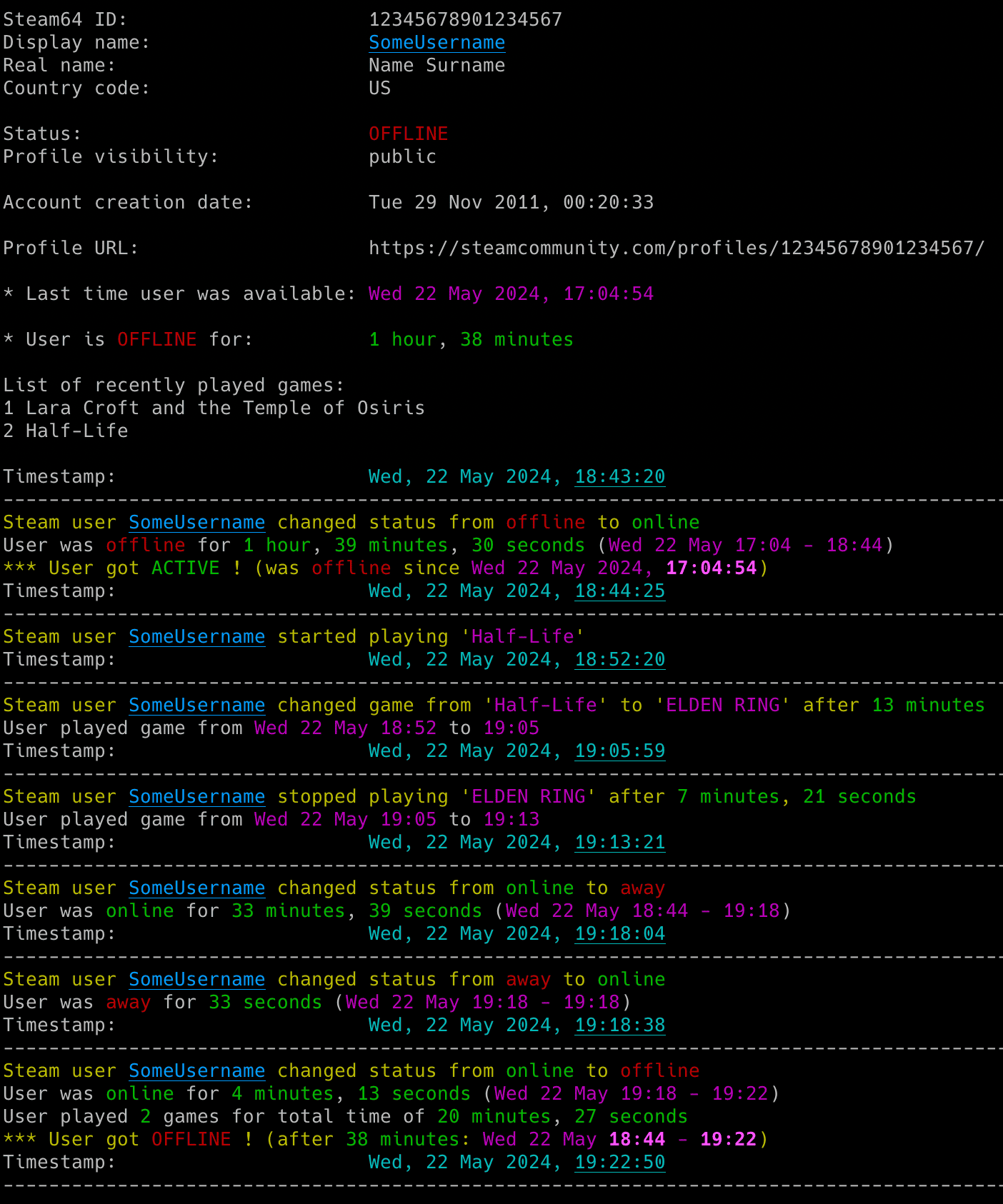
- Gaming activity: Detect online and offline status, game starts, finishes and changes.
- Profile changes: Track persona names, Steam level, XP, friends and game libraries.
- Session statistics: Measure time in each state, time per game and games played.
📊 Profile Insights
- Profile details: View badges, bans, friends, top games and recent playtime.
- Optional detail: Include friendship dates, persona name history and recent achievements.
- Profile URLs: Resolve Steam community links without looking up a numeric ID.
🔔 Notifications and History
- Event alerts: Configure email, Discord and ntfy notifications independently.
- CSV history: Save activity and profile changes with timestamps.
- Session continuity: Save status across restarts and preserve statistics through short offline interruptions.
⚙️ Setup and Configuration
- Guided setup: Review settings with
--setupand check readiness with--doctor. - Flexible settings: Use config files, dotenv files, environment variables and command-line options.
- Terminal and runtime controls: Customize colours and adjust the running monitor through supported signals.