lol_monitor



Real-time tracker for League of Legends players' activity, with detailed match reports and instant alerts.
🚀 Quick Install & Run
New to Python or unsure what is installed? Follow the Python install walkthrough first.
Install from PyPI:
Run the setup wizard:
The wizard asks for the Riot ID and region, the Riot API key and optional notifications. Review the settings before saving them. See Setup & First Run for how to get the Riot API key and the region codes.
For the manual single-file method, optional dependencies and upgrade commands, see Installation.
Features
🔍 Match Tracking
- Match activity: Detect when a player starts and finishes a game.
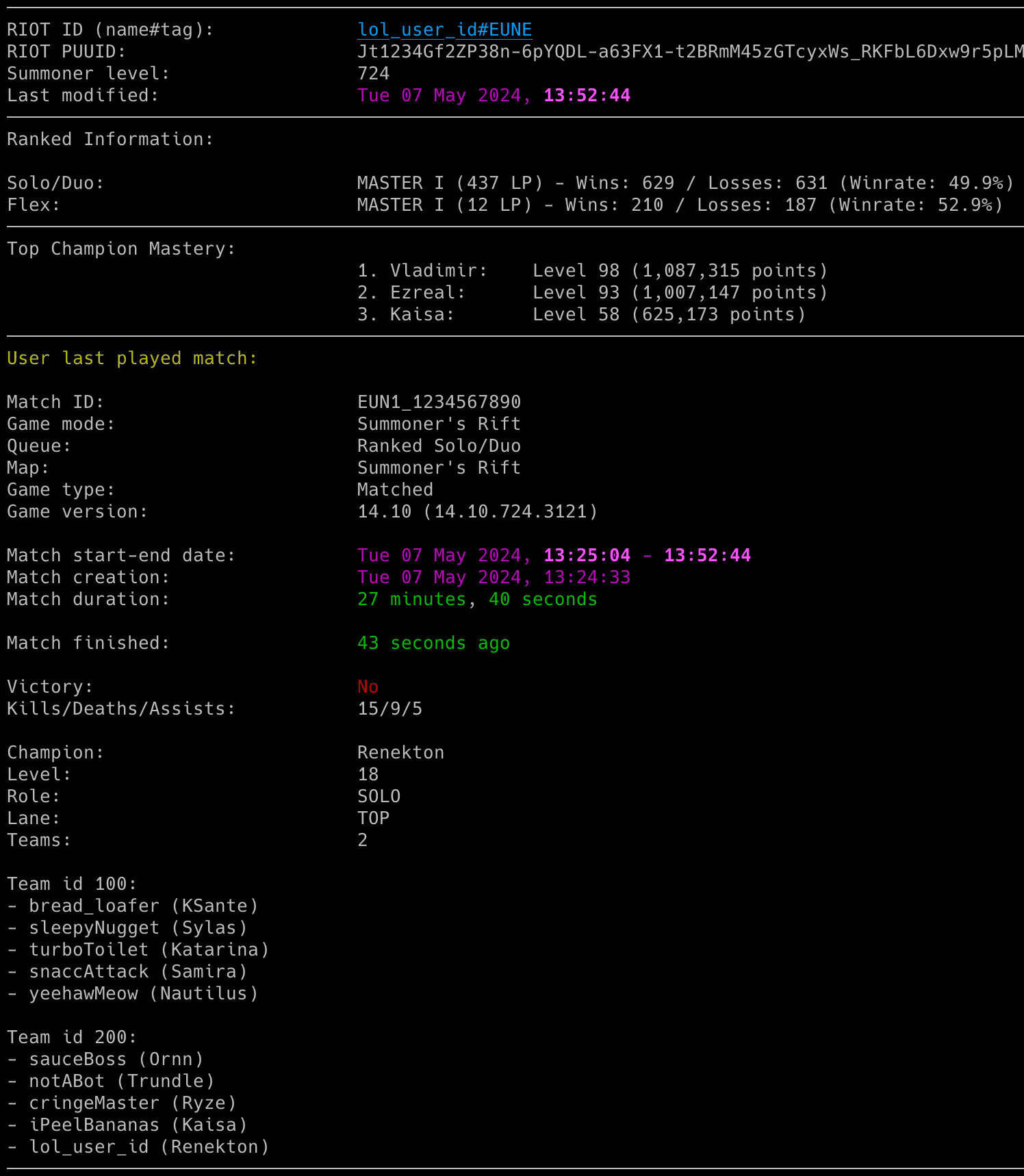
- Match reports: Show results, kills, deaths, assists, champion, level, role and lane.
- Game context: Include mode, queue, map, version, both team rosters and champion bans.
📊 Player Insights and Tools
- Ranked statistics: View Solo/Duo and Flex ranks plus top champion mastery.
- Match history: List recent matches and export timestamped reports, including custom games.
- CSV tools: Convert older history files and compare match histories.
🔔 Notifications
- Email alerts: Receive match starts, finishes, summaries, monitoring failures and their recovery.
- Discord and ntfy: Choose webhook events independently from email.
- Champion artwork: Include an optional icon in email, as a Discord thumbnail or as an ntfy attachment.
⚙️ Setup and Configuration
- Guided setup: Review and edit settings before saving with
--setup. - Getting started: Use the welcome screen, worked help examples and
--doctorchecks. - Flexible settings: Use config files, dotenv files, environment variables and command-line options.
- Runtime controls: Adjust the running monitor through supported signals.